
Leafy Corner Customer Requests — Read Traits & Choose a Plant
Separate the request into traits, filter the database, and confirm that every condition matches.
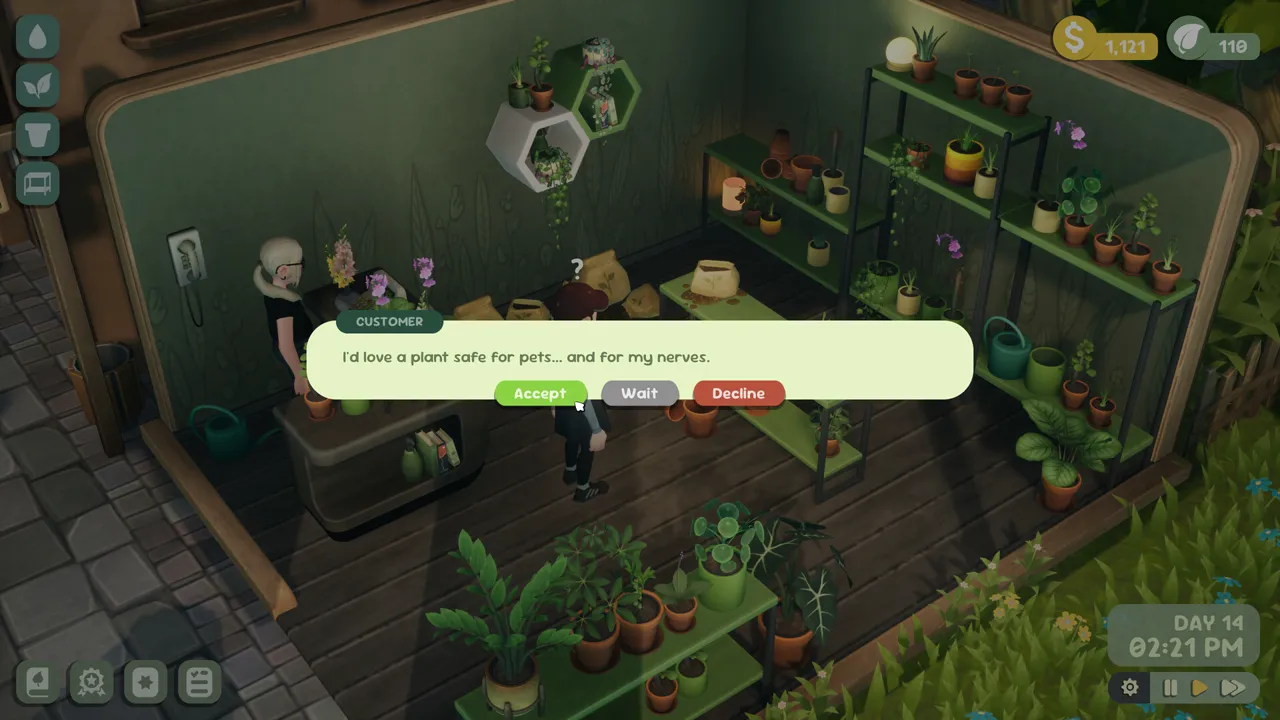
Table of contents
A walk-in request should be treated as a small checklist. Read the customer’s wording, identify the visible requirement symbols, and choose only after the plant satisfies every condition.
This page covers a customer standing in the shop. If you opened the separate order-management panel and need to select several eligible plants, follow the external orders guide instead.
Turn dialogue into traits
- Let the full request appear before moving to a plant.
- Write down the size or special requirement that is explicitly shown.
- If there is more than one condition, keep them together as an intersection.
- Search the plant database or apply the same traits in the request matcher.
- Return to the game and verify the plant choice before completing the sale.
Two useful examples
A pet-friendly request can use the pet-friendly preset. A request combining a pet setting with little sunlight requires both pet-friendly and shade-tolerant; the current checked subset then returns Orbifolia and Boston Fern.
Appearance alone is not a reliable substitute for the request fields. A leafy plant is not automatically shade-tolerant, and a familiar real-world species is not automatically assigned the same properties in the game.
When the matcher has no result
No result means only that the eight public records contain no checked plant with every selected trait. Remove an accidental condition, inspect other in-game stock, or leave the match unresolved. Do not convert an absent field into a yes.
Related guides
Leafy Corner Plant Request Matcher
Select visible request traits and get an intersection-only shortlist from eight checked plant records.
Read guideLeafy Corner Orders Guide — How to Complete External Orders
Open order management, identify eligible stock, select every required plant, and complete the order with a verified Leafy Corner workflow.
Read guide